






 Publish to Newswire
 Add an Event
From the Open-Publishing Calendar
From the Open-Publishing Newswire
Indybay Feature
Helping us dialup folks see photos faster
How to reduce your photos in size to make them upload / download faster.
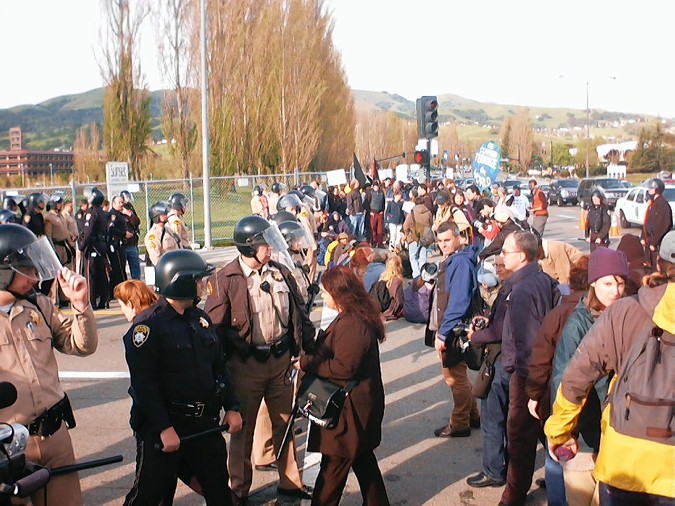
Please make your great photos smaller by reducing the color depth from 24 bpp (truecolor) to 8 bpp (256 colors) and then saving at less the max "quality." In this example I chose "60" as the compression / quality tradeoff.
Results shown below.
photo 1 is original, photo 2.jpg has been processed. Notice difference in time to download (on a dialup).
If you don't know how go to
http://www.spaiser.net/tips-for-publishing-photos/
Les
Results shown below.
photo 1 is original, photo 2.jpg has been processed. Notice difference in time to download (on a dialup).
If you don't know how go to
http://www.spaiser.net/tips-for-publishing-photos/
Les
For more information:
http://www.spaiser.net/tips-for-publishing...

Add Your Comments
We are 100% volunteer and depend on your participation to sustain our efforts!
Donate

$110.00 donated
in the past month
Get Involved
If you'd like to help with maintaining or developing the website, contact us.
Publish
Publish your stories and upcoming events on Indybay.
Topics
More
Search Indybay's Archives
Advanced Search
►
▼
IMC Network